
Another dashboard will not decide for your team.
A dashboard is useful when it connects reliable information to a decision and an owner. Start with the question, not the chart.
By the KG Ops team
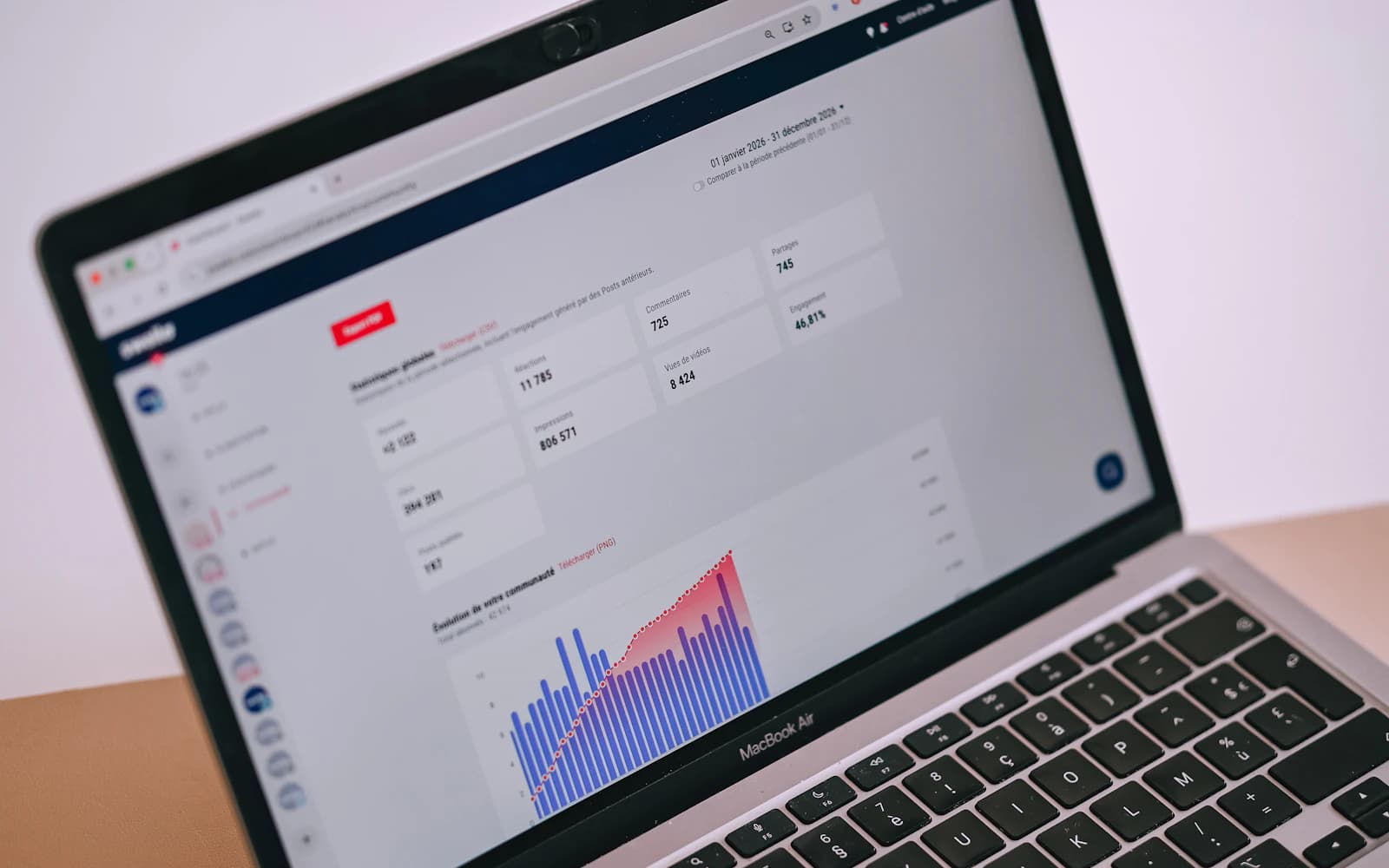
Photo: Swello · Unsplash
Which decision changes with this information?
Before designing a dashboard, write down the questions the team needs to answer. Which requests are pending? Which need attention today? Who should review an exception? A chart can describe activity without helping answer any of those questions.
Connect each indicator to a possible action. If a number changes, does someone know what to examine? If nobody can explain the decision it supports, it may not need adding yet. The goal is an informed conversation, not a full screen.
The same label can hide different definitions
Two teams may use “closed case” for different moments. One counts it when a response is sent; the other waits for confirmation. Combining those records without clarifying the definition produces a result that is hard to interpret.
For important indicators, identify the source, calculation rule, and update frequency. Explain how missing or duplicate records are handled. A dashboard should also make it possible to recognize when information is incomplete.
Try the dashboard in a real meeting
Review a concrete case with the people making decisions. Ask them to find a pending item and explain what they would do next. Notice whether they need another spreadsheet, have to reconstruct the context, or ask what a number means.
Those questions guide the next improvement: a definition, a filter, a link to the record, or explicit ownership. Start with a few relevant questions and expand when a clear need emerges. Assess usefulness in everyday work, not only in the dashboard presentation.